Article
Apr 5, 2026
What a Security Assessment Actually Finds in Your Environment
Most organizations think they’re secure until a real assessment proves otherwise. Here’s what security assessments actually uncover and why these gaps lead to real-world breaches.
Introduction
Most organizations believe they are secure because they have tools in place.
They have MFA enabled.
They have endpoint protection.
They have email filtering.
But security is not about what you have it’s about how it’s configured, monitored, and enforced.
A real security assessment doesn’t just check boxes. It exposes the gaps that attackers actually exploit.
What a Security Assessment Really Does
A proper security assessment goes beyond surface-level checks.
It answers questions like:
Where can an attacker get in?
What happens after they get access?
How far can they move?
How long would it take you to detect them?
The goal is not compliance. The goal is exposure.
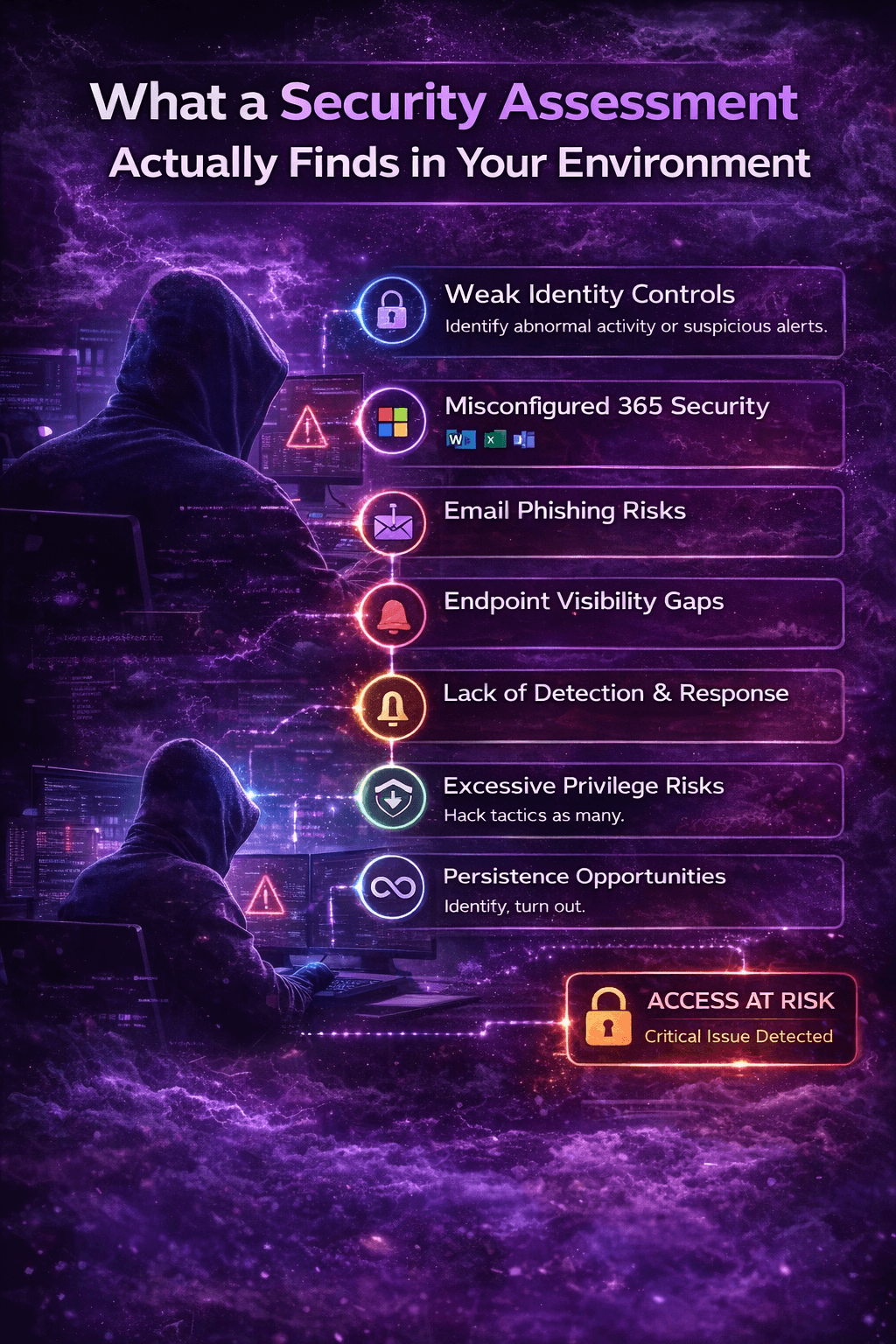
1. Identity and Access Gaps
This is where most environments are weakest.
Common findings include:
MFA enabled but easily bypassed (push fatigue, weak policies)
No Conditional Access policies enforcing device or location restrictions
Too many global administrators
Legacy authentication still enabled
Inconsistent MFA enforcement across users
Attackers don’t break in, they just log in. Identity is the new perimeter.
2. Misconfigured Microsoft 365 Security
Most M365 environments are only partially secured.
Typical issues:
No alerts configured for suspicious sign-ins
Weak or missing audit logging
No monitoring of risky sign-in behavior
Insecure sharing and external access settings
Lack of visibility into mailbox rules and permissions
This creates a situation where compromises happen silently.
3. Email Security Weaknesses
Email is still the #1 entry point.
Findings often include:
Users vulnerable to phishing attacks
No reporting mechanism or monitoring of reported emails
Inbox forwarding rules to external domains
No protection against business email compromise (BEC)
Weak or inconsistent phishing simulations and training
One successful phishing email is all it takes.
4. Endpoint Visibility and Control Gaps
Even with EDR deployed, visibility is often limited.
Common findings:
Devices not onboarded into security tools
No alerting or response workflows
Lack of device compliance enforcement
No centralized visibility across endpoints
Delayed or no response to malware alerts
This allows attackers to operate undetected on compromised systems.
5. Lack of Detection and Response Capability
This is where most organizations fail.
Findings include:
Alerts exist, but no one is actively monitoring them
No defined incident response process
No ownership of security events
No escalation procedures
No playbooks or structured response approach
Detection without response is the same as no detection at all.
6. Excessive Privileges and Lateral Movement Risk
Once attackers get in, they look to expand access.
Assessments often reveal:
Users with unnecessary admin privileges
Shared accounts with weak controls
No segmentation between users and systems
Over-permissioned applications and integrations
This allows a single compromised account to turn into a full environment takeover.
7. Persistence Opportunities
Attackers don’t just access, they stay.
Common persistence findings:
Unauthorized MFA methods can be added
No monitoring of device registrations
Inbox rules used to hide attacker activity
OAuth applications with long-term access
No review of active sessions or tokens
Even after password resets, attackers may still have access.
What This Means in the Real World
These findings are not theoretical.
They are the exact gaps attackers exploit during:
Account takeovers (ATO)
Business email compromise (BEC)
Ransomware attacks
Data exfiltration incidents
Most breaches don’t require advanced techniques. They require opportunity.
Why Most Assessments Miss This
Many “assessments” are built for compliance—not security.
They focus on:
Policies instead of real-world attack paths
Tool presence instead of effectiveness
Documentation instead of validation
A real assessment tests how your environment behaves under attack conditions.
What a Good Assessment Should Leave You With
After a proper assessment, you should have:
A clear understanding of your biggest risks
Visibility into how attackers would access your environment
Prioritized remediation steps
Improved detection and response capability
Confidence in your security posture
Not a report that sits on a shelf.
Final Thoughts
Every environment has gaps.
The difference is whether you find them first or an attacker does.
A security assessment is not about proving you are secure.
It’s about identifying where you are exposed and fixing it before it becomes an incident.