Article
Mar 11, 2025
How Account Takeovers Actually Happen And How to Stop Them
Account takeovers are one of the most common and damaging attacks targeting businesses today. Attackers use phishing, MFA fatigue, token theft, and weak Microsoft 365 configurations to gain access and stay there. In this article, we break down how account takeovers actually happen, what warning signs to look for, and how to stop them before they turn into a full breach.
Introduction
Account takeovers (ATO) are one of the most common and damaging attacks targeting businesses today. Most organizations assume they’re protected because they have MFA enabled, but in reality, attackers bypass these controls every day using phishing, token theft, and MFA fatigue techniques. This article breaks down how account takeovers actually happen, what attackers look for, and how to stop them before they turn into a full breach.
How Account Takeovers Actually Happen
Phishing (Initial Access)
The attack usually with a phishing email designed to look legitimate. This often is impersonating Microsoft, IT support, or a trusted vendor. Users are directed to a fake login page and unknowingly submit their credentials.MFA Fatigue / Push Spam
If MFA is enabled, attackers attempt to bypass it by:Sending repeated MFA push notifications
Waiting for the user to approve one out of confusion or frustration
One approved, the attacker gains access.
Session Hijacking / Token Theft
In more advanced attacks, attackers steal session tokens - allowing access without needing credentials or MFA again.Establishing Persistence
After gaining access, attackers move quickly to maintain control:Creating inbox forwarding rules
Adding new MFA methods
Registering new devices
Granting additional permissions
Cost Savings and Scalability
By automating routine tasks, businesses can cut labor costs and scale operations without significantly increasing expenses.
SIGNS YOU MAY HAVE BEEN COMPROMISED.
Look for:
Logins from unusual locations or IPs
Multiple failed login attempts followed by success
Unexpected MFA prompts
New inbox rules or email forwarding
Suspicious emails sent from internal users
HOW TO PREVENT ACCOUNT TAKEOVERS
Enforce Strong MFA
Use number matching or phishing-resistant MFA where possible.
Implement Conditional Access
Block risky locations
Require compliant devices
Enforce risk-based authentication
Monitor Sign-In Activity
Actively monitor login behavior and investigate anomalies immediately.
Lock Down Email Rules
Prevent automatic forwarding to external domains.
Limit Privileged Access
Reduce the number of global and domain administrators.
Use Endpoint & Identity Protection
Leverage tools like Microsoft Defender to detect suspicious activity across users and devices.
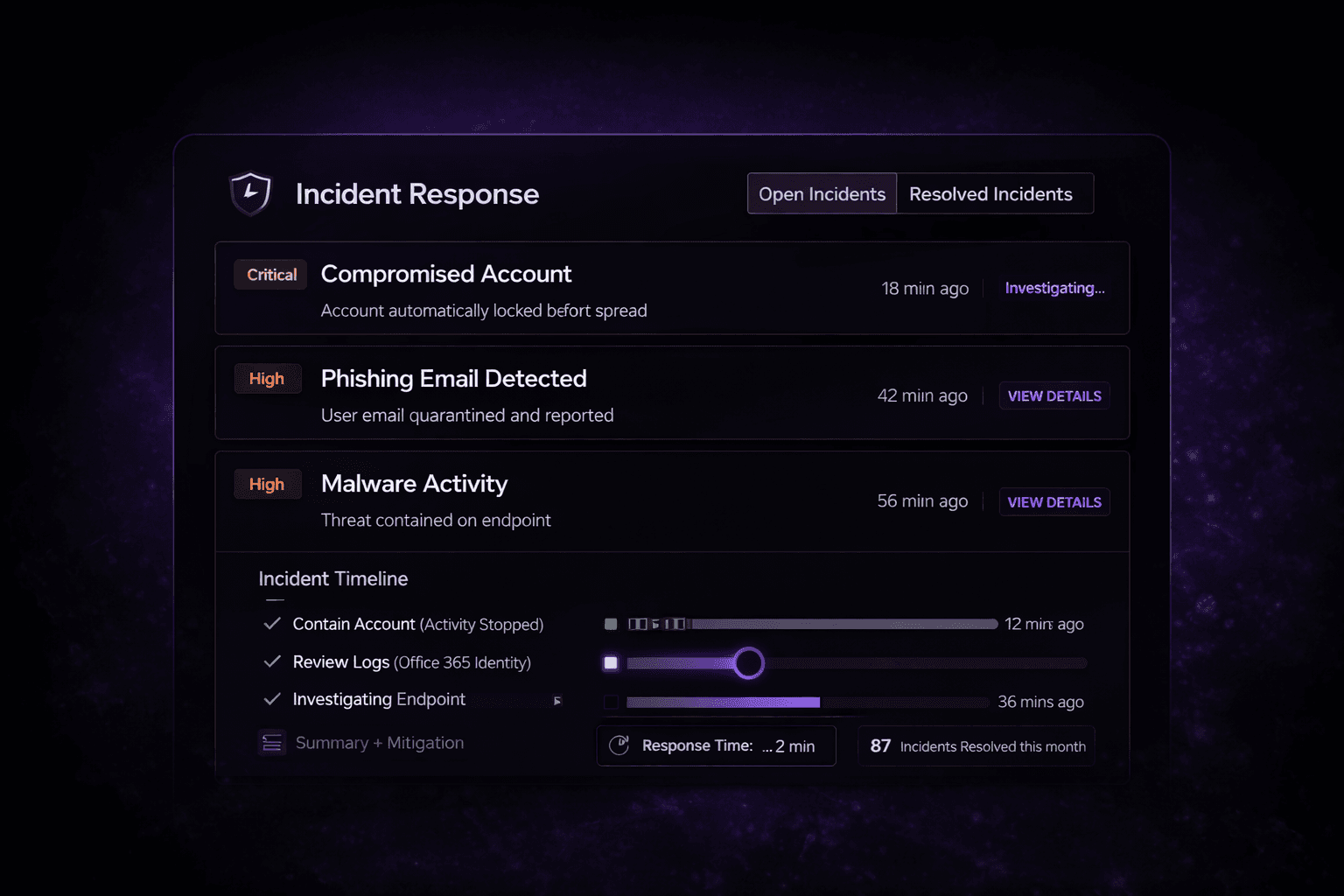
WHAT TO DO IF AN ACCOUNT IS COMPROMISED
Immediate response is critical:
Disable the account
Revoke active sessions
Reset credentials
Remove malicious inbox rules
Review sign-in logs and activity
Secure MFA and authentication methods
Delays in response can turn a simple compromise into a full-scale breach.
Final Thoughts
Account takeovers aren’t theoretical. They happen every day, often due to small gaps in configuration or user awareness. The difference between a minor incident and a major breach comes down to how quickly the threat is detected and contained.